Your browser is not supported.

For the best experience, please access this site using the latest version of the following browsers:

Close This Window

By closing this window you acknowledge that your experience on this website may be degraded.

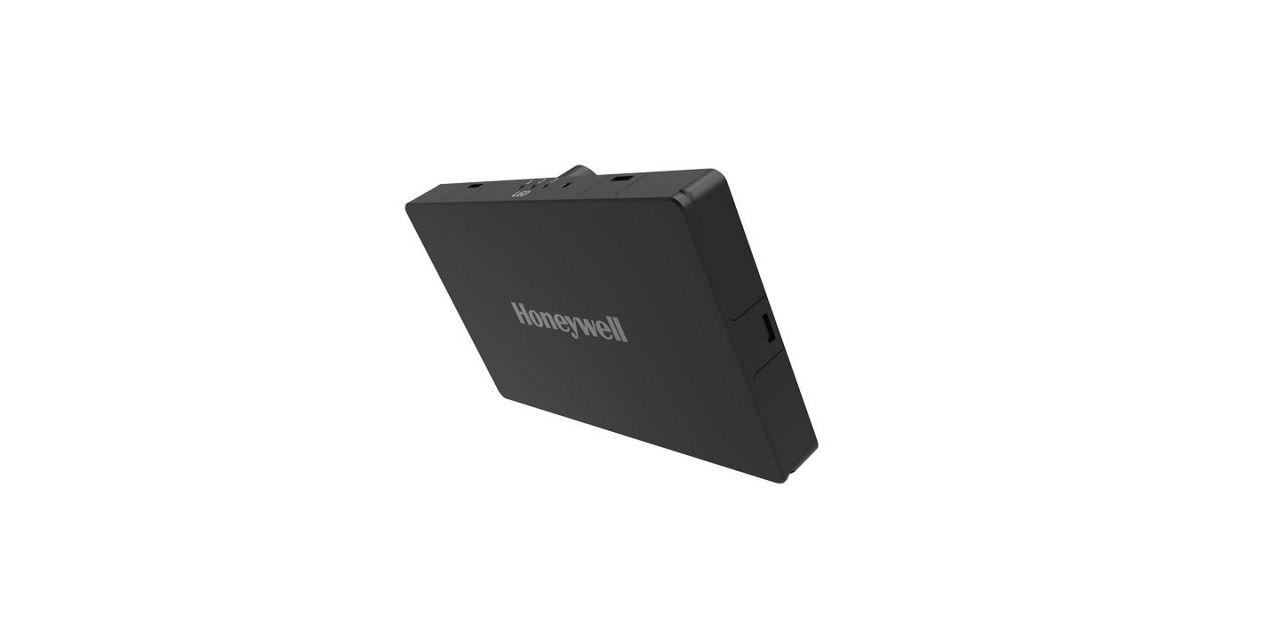
Honeywell HGuide Navigation Solutions

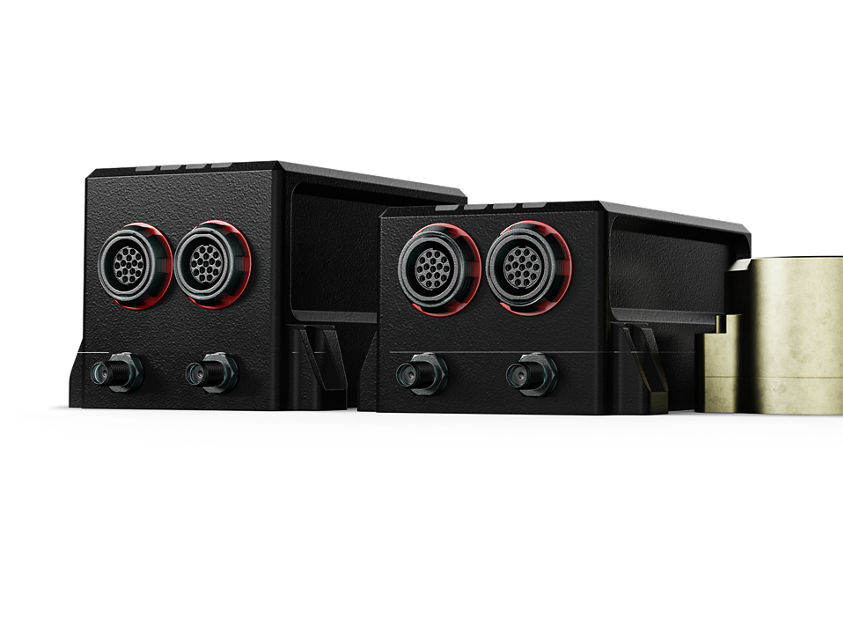
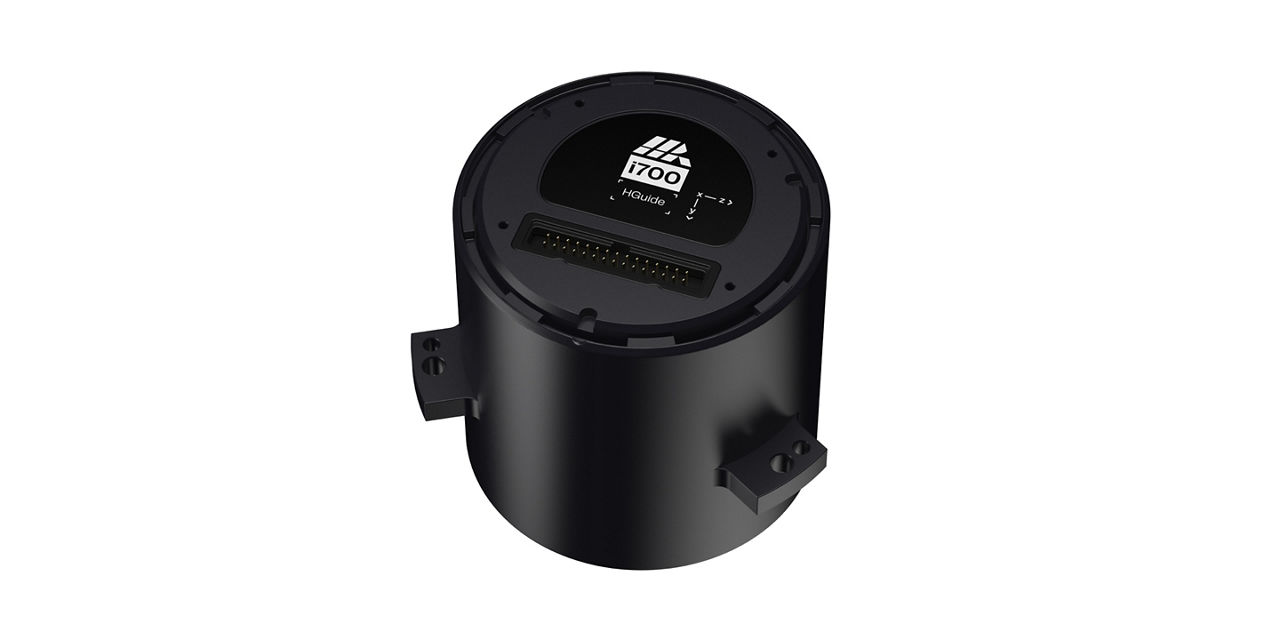
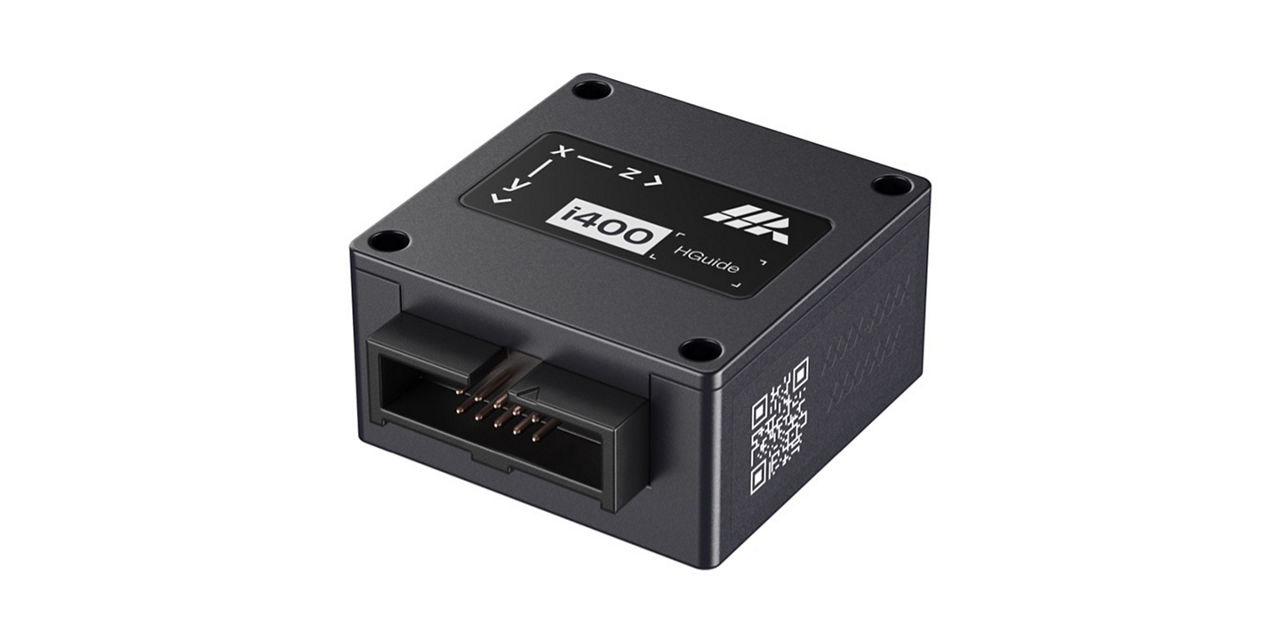
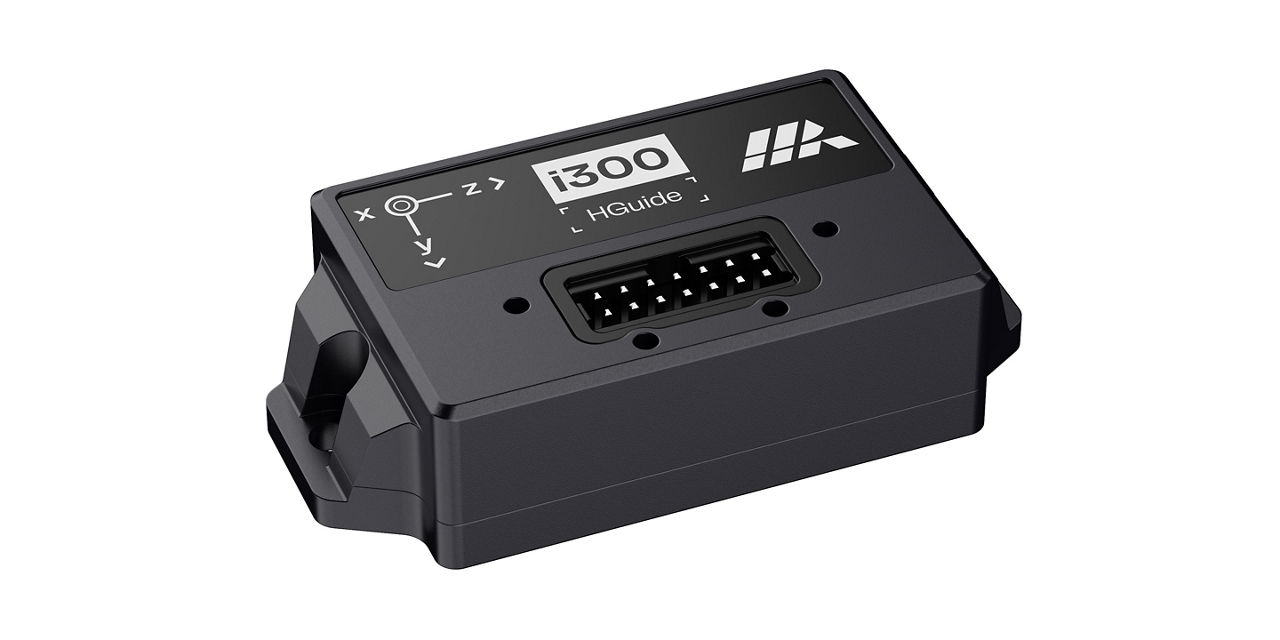
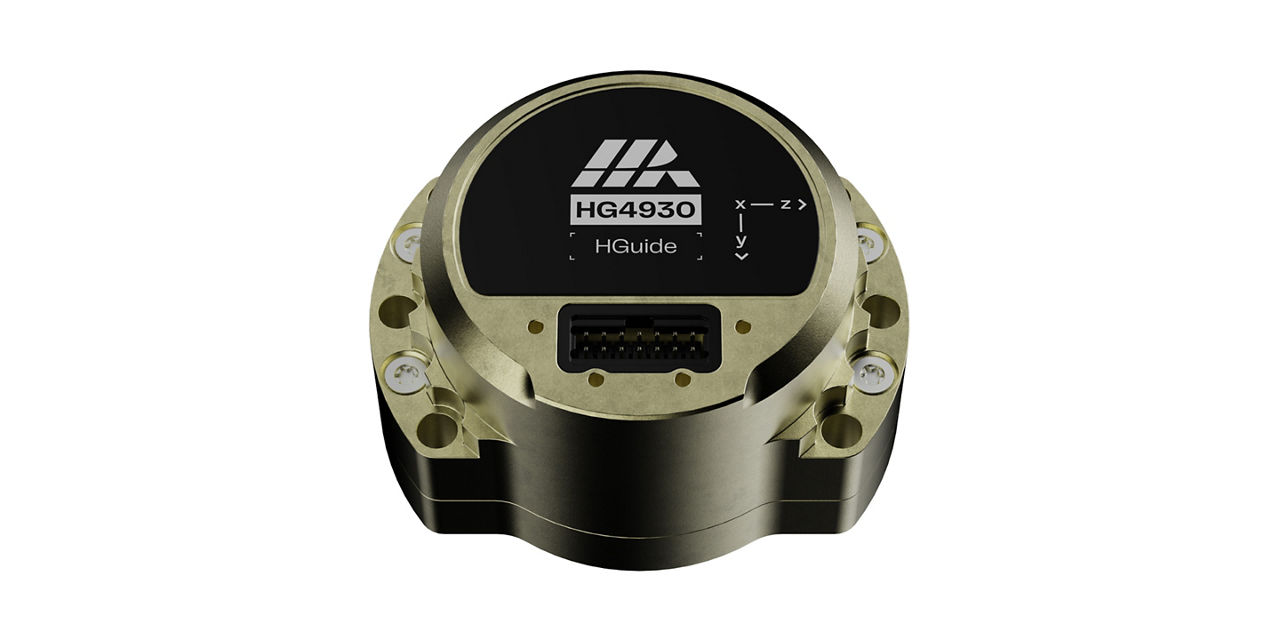
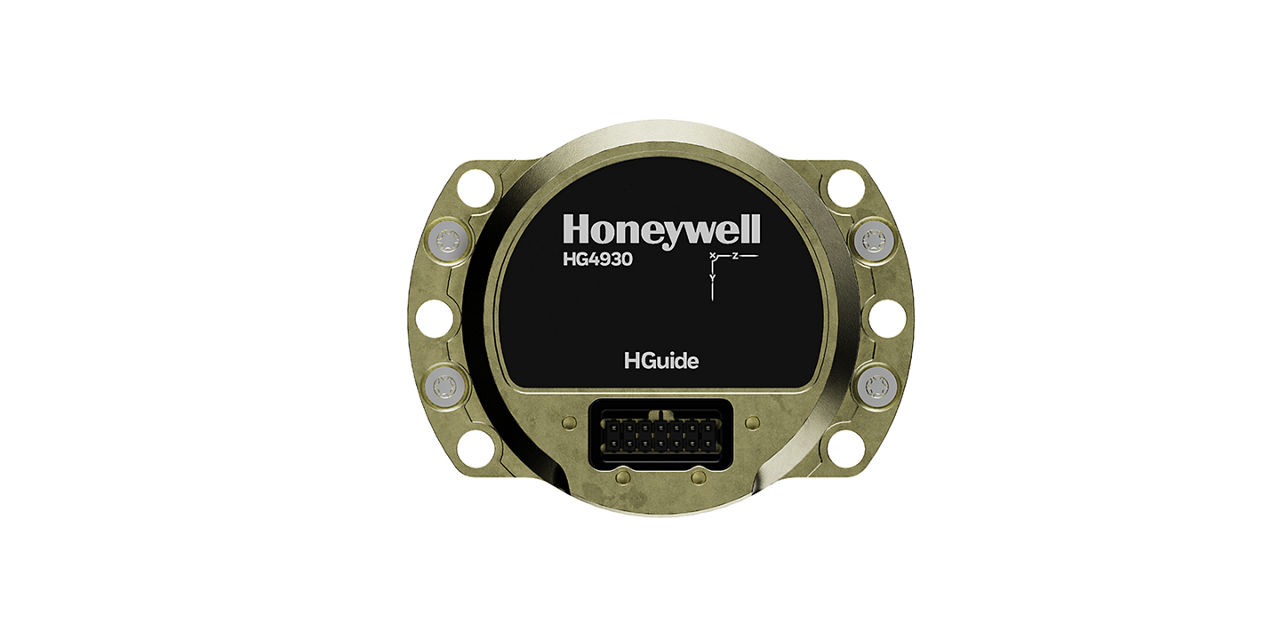
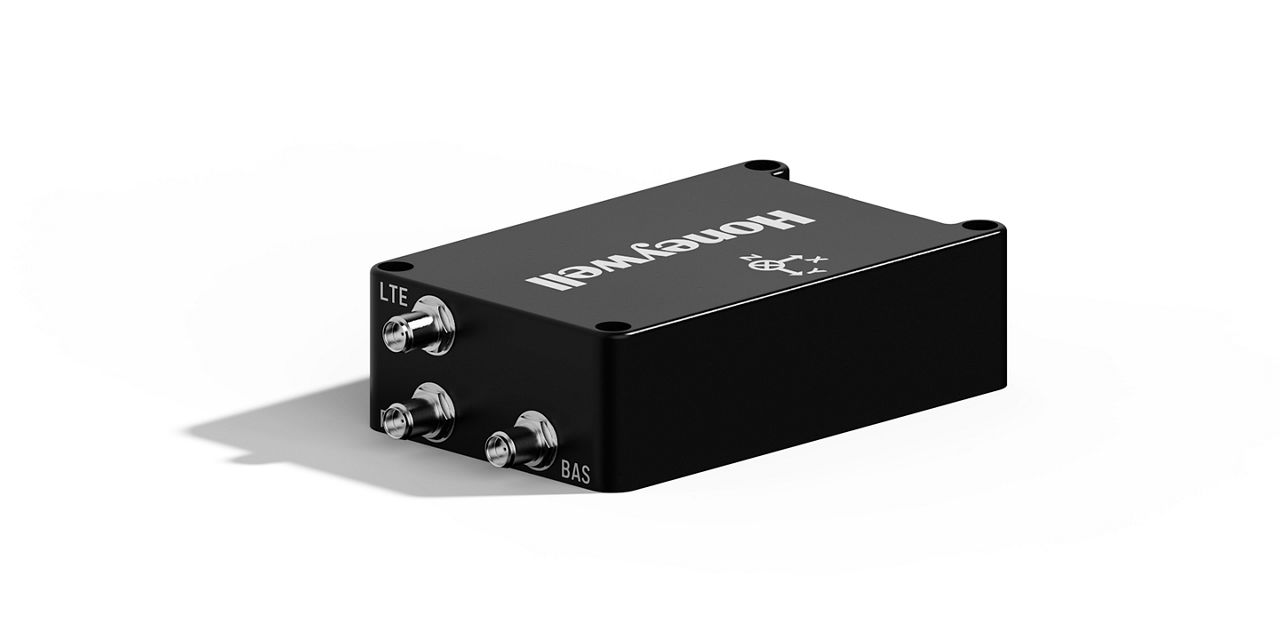
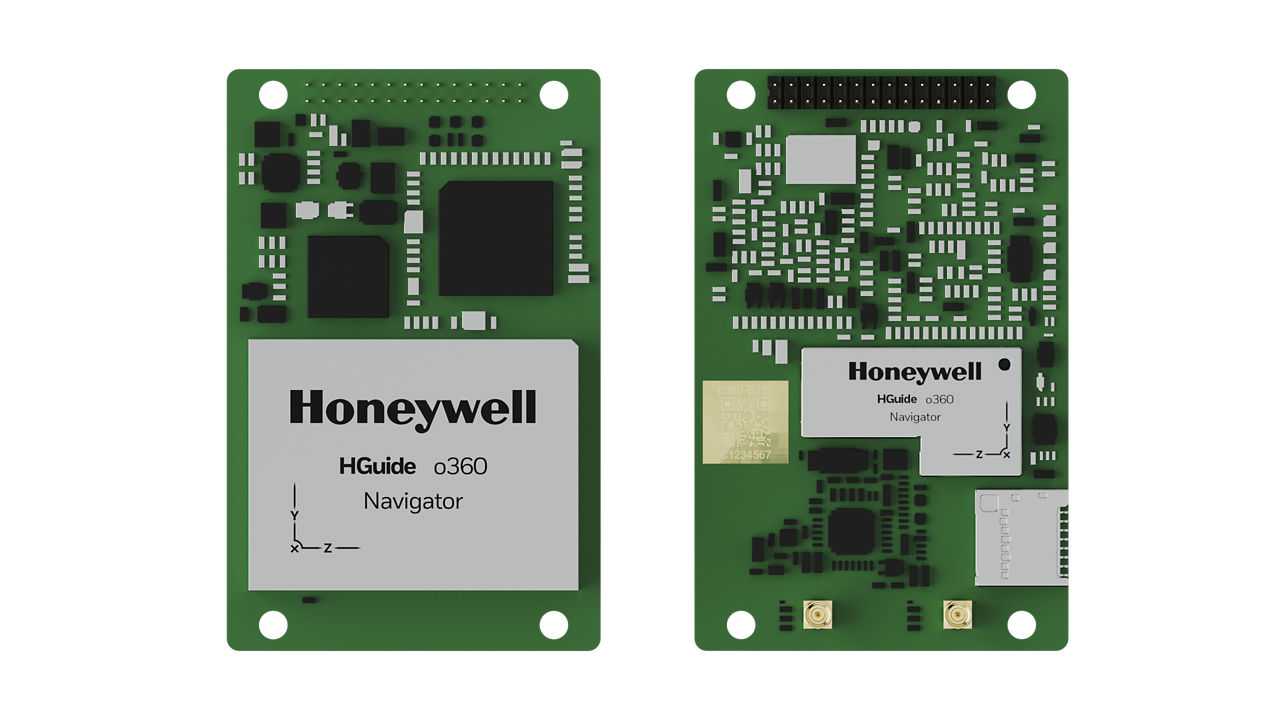
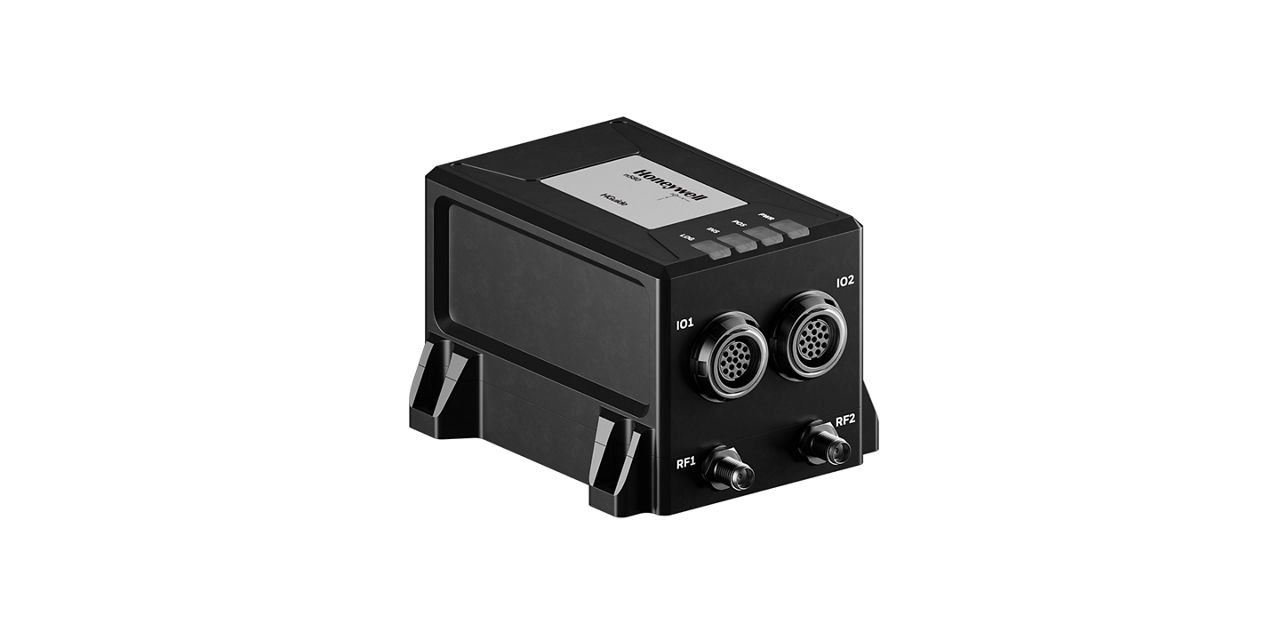
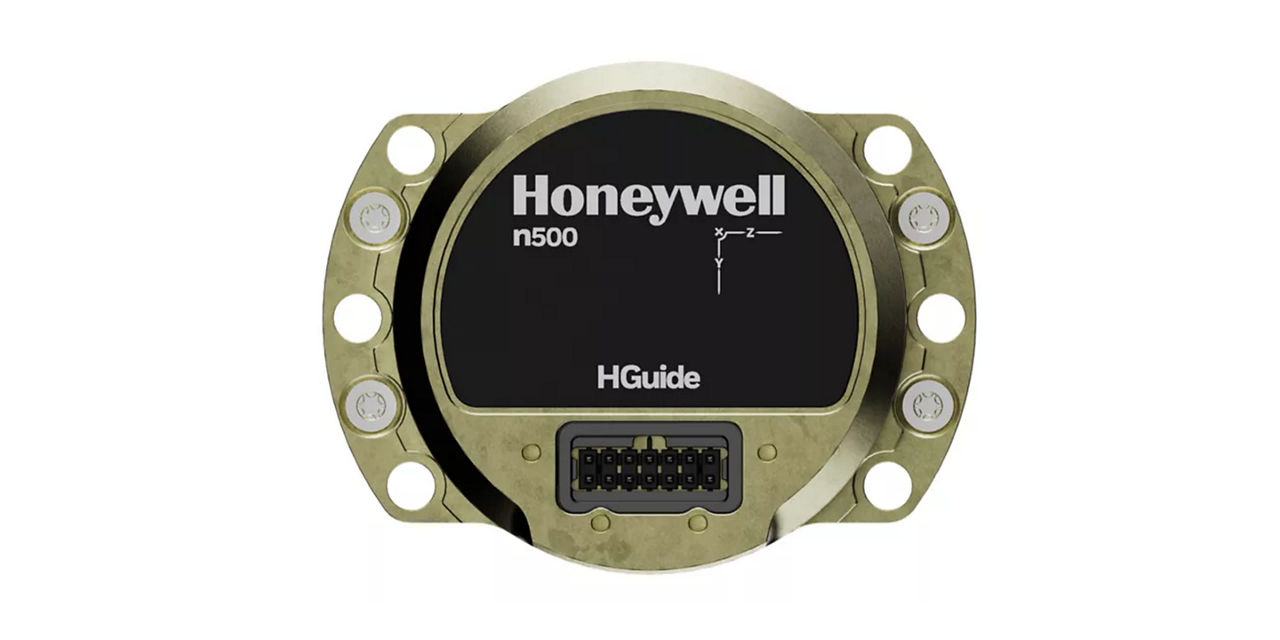
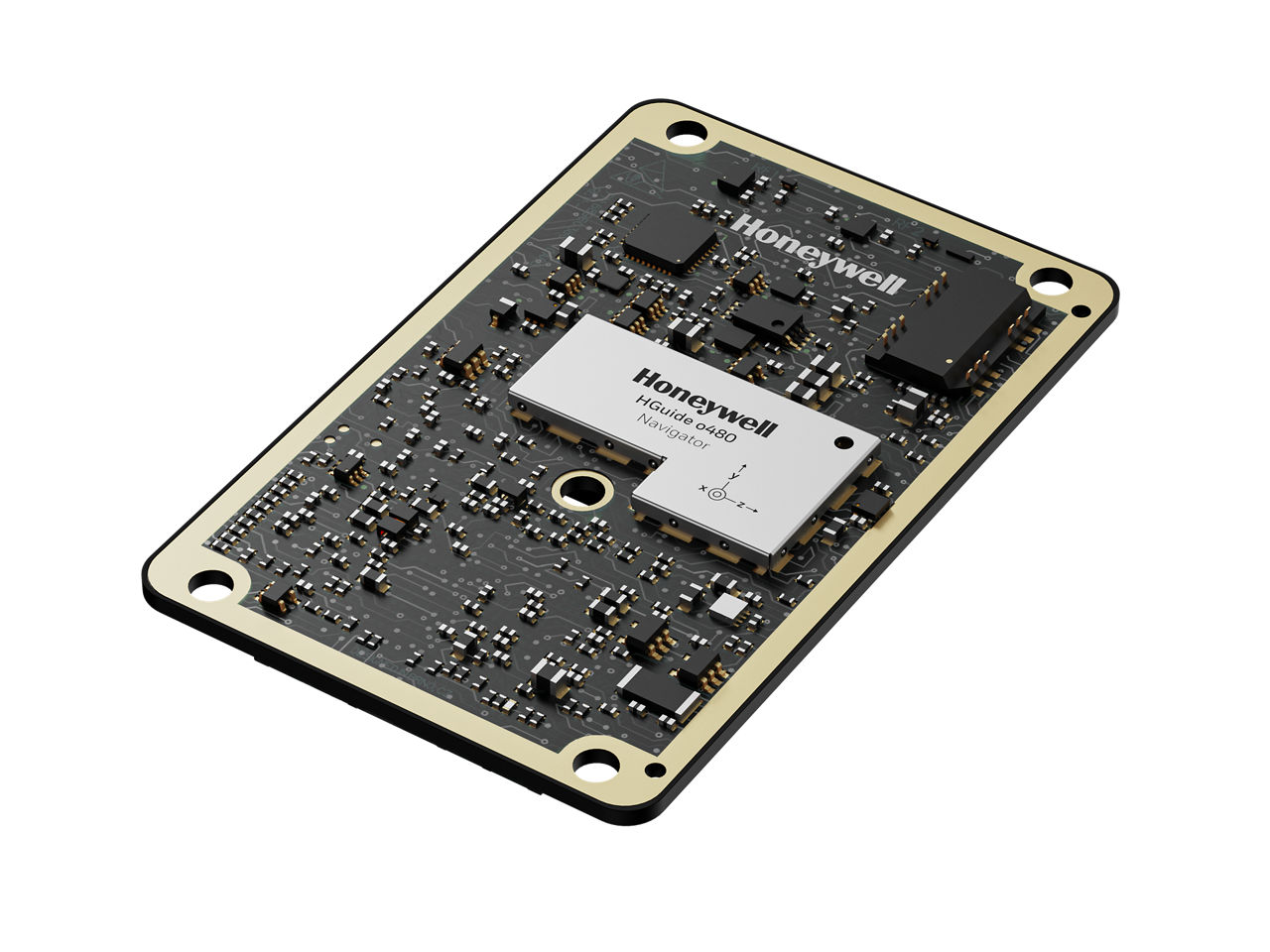
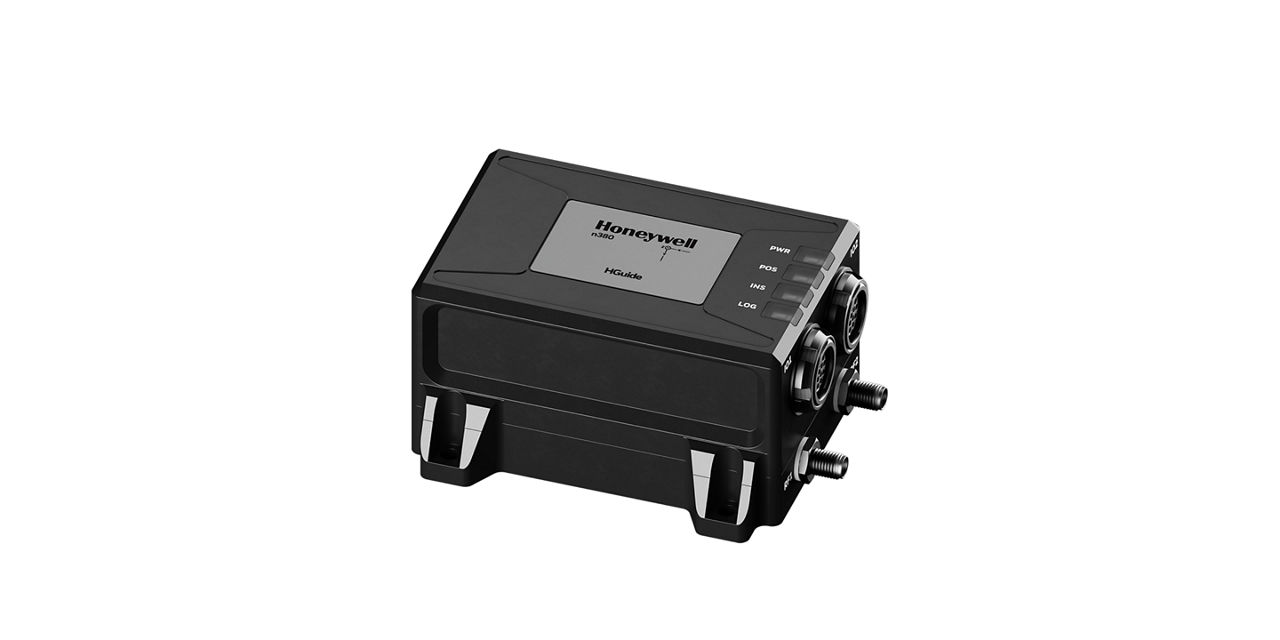
Honeywell’s HGuide portfolio includes MEMS Inertial Measurement Units (IMUs), Inertial Navigation Systems (INS), and AltNav technologies—all no-license-required and designed and manufactured in the US or EU.

IMUs (Inertial measurement units) combine gyroscopes and accelerometers to measure rotation and acceleration, enabling precise motion sensing and vibration compensation under challenging conditions. They stabilize antennas and cameras and power navigation for robots, autonomous vehicles, and drones—especially when external signals are unavailable.

INS (inertial navigation system) integrate an IMU, GNSS receiver, and advanced sensor fusion software to calculate position, orientation, and velocity. This ensures reliable navigation in GNSS-denied environments such as urban canyons, tunnels, parking garages, dense forests, or during intentional jamming and spoofing.

Resilient Navigation Technologies  including radar velocity and vision-based solutions - Radar Velocity and Vision-Based solutions - complement INS performance when GNSS outages persist, delivering superior navigation accuracy over extended distances.

HGuide Navigation Solutions

Related Content

Frequently Asked Questions


Here you’ll find Frequently Asked Questions (FAQs) covering all our HGuide products, ranging from software to accessories and more.


For accessories and evaluation kits available for your HGuide product, please download the manuals found under “resources” tab of your product’s webpage. You can also email HGuide.support@honeywell.com for additional assistance.

Honeywell provides the Honeywell HGuide Data Reader (HGDR) which is a Windows based application that can test and configure (if applicable) the HGuide product line.. The HGDR is available on Gitlab. Contact Honeywell for access.

Yes. To get access to the code needed to use our products with ROS, please visit: https://gitlab.com/HoneywellIMU/RosDriver.

The connector has four I/O pins which can individually be grounded to set the configuration.  An evaluation board is available with settable switches. For more information, please email us at HGuide.support@honeywell.com.

Honeywell IMU's are designed to support multiple applications. Many applications require data that is transmitted rapidly in order to react in real time. For example, one may be controlling a gimbal and the gimbal must be rapidly stabilized in order not to degrade image data. 


Some applications are more concerned about using IMU information to track vehicle position and orientation. These applications accept a penalty in rapid response in order to be more accurate. How to use Honeywell messages is described in both the HG4930 and i300 manuals (Pages 4 and 8 respectively).

Yes you can! Although probably easiest to order the Serial Comm RS422 to USB converter described in the n380/n580 manual - the i300 and HG4930 evaluation boards can also do this. You need some electrical savvy and wiring skills. Detailed information on the evaluation boards is on the HGuide Gitlab site which would allow you to easily fabricate a design for permanent installation.

It is normal for products to warm up during operation and Honeywell HGuide products are very rugged. However, mounting to a thermally conductive surface (metal) will help reduce device temperature, improve performance, and potentially prevent the device from exceeding product specifications during extreme heat. Consult the individual manuals for specific installation instructions. The Gitlab common documents folder also has an application note on installation for the n380 and n580.

The evalution board for the i300 provides regulation up to and including +28 VDC. The power must be supplied via external power input connector (see i300 manual). This board will provide reverse voltage protection also.


NOTE - the i300 evaluation kit board does not support a direction interface to a PC USB port with the HG49430. Although the board supports a i300 USB interface - the higher load of the HG4930 doesn't play nice with the PC interface. To interface with a PC - order the HG4930 evaluation kit.

No.

We provide an example of Over Voltage Circuit Schematic at https://gitlab.com/HoneywellIMU. Note: Any reverse voltage or voltage over 5.25 VDC will damage the unit and void the warranty. Also, there is an adapter board with wider input voltage protection available for purchase.

A connector buying guide and circuit board design files are available at: https://gitlab.com/HoneywellIMU/HGuideDocumentation/HG4930. For more information, please email HGuide.support@honeywell.com.

Be sure to mount the IMU to a firm surface. A standard Honeywell IMU has a bandwidth of approximately 70 Hz. If motion with frequency content greater than 70 Hz is present, this will degrade the motion measurement. See the HG4930 Gitlab folder for a presentation on how to mount and how to distinguish motion from real noise.

See "Table 8. Environmental Conditions" in the HG4930 Performance and Environmental manual.

Synchronous Data Link Control (SDLC) is a legacy high reliability format that sends out data when a clock is turn on. It is a "bit" oriented protocol that requires hardware beyond normal PC type devices. If you haven't used it previously, strongly recommend using our asynchronous format. The SDLC and Non-SDLC differences are described in detail in an application note on the HGuide Gitlab site. Contact HGuide.Sales@Honeywell.com for access.

The n380 supports UDP and plans are in place to support TCP. The n380 does not support Ethernet PTP protocol.

No. Fixed and unfixed terminated cables are 1.8m. For more information, please download the reference drawing at: https://gitlab.com/HoneywellIMU.

The HGuide Data Reader export tool (see export Icon in top tool bar) will convert n580 data to IMR and DMR files.

The event inputs can be configured to trigger on either leading edge, falling edge, or both. It can also trigger off of the Honeywell Internal GPS PPS clock (1 Hz). Each trigger sends a navigation message specifically valid at the time of the trigger. Software versions V4 and prior do require you to enable the event in function each power cycle. See the event in application note on Gitlab. Contact Hguide.Support@Honeywell.com for access.

The n380 and n580 products are designed to be virtually identical to allow customers to easily tailor performance/ pricing with minimal extra design/support costs. The devices have the same footprint, use the same cabling, and employ the same HGuide Navigation Software Interface (HGNSI). The n380 has a few additional features given its more recent release (noticeably - internal logging) but these differences will disappear by Q1 of 2021.

In general - you should be okay down to about 1 meter with some degradation and placing them beyond 4 meters apart adds minimal value.

The n380 and n580 support both single and dual antenna navigation. See brochures for models.

  1. If you have purchased a terminated cable, please refer to the following document: https://gitlab.com/HoneywellIMU/HGuideDocumentation/HGuide_n580/-/blob/master/HGuide_n580_IO1_Interface.pdf.
  2. If you have purchased a unterminated cable then refer to the following document: https://gitlab.com/HoneywellIMU/HGuideDocumentation/HGuide_n580/-/blob/master/n580_IO1_Unterminated_Cable.pdf.

To receive technical support on this topic (as well as any others), please email us at HGuide.support@honeywell.com.

If GPS position is available, the unit can be initialized using the Navigation Input (0x1401) message in the HGuide Data Reader Set Up Screen.  The Euler Angles must be set to valid.  If no GPS is position is available, the message must be resent after 150 seconds.  An example script is on the Gitlab site.

Yes. Beginning with version 4.0, Honeywell supports a subset of parametric sentences with the following talker IDs:

  1. GP: Raw GPS receiver data
  2. IN: Integrated INS data
  3. For more information, please visit: https://gitlab.com/HoneywellIMU/HGuideDocumentation/common-documents/-/blob/master/NMEA.MD

Please contact HGuide.Sales@Honeywell.com so we can discuss if your units should be updated and if so the optimal method of doing so.

The device is streaming HGNSI data over ethernet. The communication is bi-directional and allows full control of the HGuide Navigator.

The n380 has internal logging. The n580 product will be available with data logging by Q1 2021.

The n380 and n580 both have real time kinematic (RTK) capability. Please consult our brochures to select the right part number. Download the RTK quick start guide from Gitlab for more information.

The n380 and n580 produce GNSS information that is readily convertible into RINEX formats. Programs from GNSS suppliers (Novatel Convert, Septentrio SBF Analyzer) and from RTK lib (http://www.rtklib.com/) can easily do the task.

The configuration of n580 / n380 PPS output is best described in the n380 and n580 electrical and mechanical manual on page. The GPS Pulse Per Second (PPS) signal is a +5 VDC TTL valid on the rising edge.

No difference. Both ports send out a $GPGGA message at 1 Hz – and the message is sent on to the RTK network – and then an RTCM3 message is received back through the port.

Driving a figure 8 produces accelerations and angular rates that allow the HGuide navigation algorithms to find initial set up errors and improve the gyros and accelerometers. Driving several figure 8's will produce improved odometer and lever arm estimates as well as tune the navigation filter.

Yes. The Honeywell n380 and n580 performance can be improved to better than 0.1% of distance traveled taking aiding from distance measuring devices.  The most common input is from rotary encoders that are mounted on car wheels. An implementation guide is available on Gitlab (see Common Documents Folder).

Inertial Measurement Units (IMUs) use gyroscopes and accelerometers to sense rotation and acceleration. They can be used in any application for which it’s important to accurately measure and compensate for vibration and motion under the most challenging conditions. In addition to helping stabilize antennas and cameras, IMUs are also used on robots, autonomous vehicles and drones that require navigation in the absence of external aiding signals.

To receive technical support, please email us at HGuide.support@honeywell.com. In your email, please include your company name, product information, phone number and address. We try our best to get back to everyone within 24 hours.

See the "Data Synchronization Signal" section and "Figure 2. Data Synchronization Signal Timing" in the HG4930 Installation and Interface Manual. The HG4930 provides an IMU synchronization signal showing the time of validity for the IMU data. You should assign a time to this input signal and compare it to the PPS time coming from the receiver.

Yes. You can download our HGuide Data Reader software to simplify data analysis, integration and testing for all HGuide products. To download it to your computer, please visit: https://gitlab.com/HoneywellIMU/HGuideDataReader.


In addition, software development kits (SDKs) are available at: https://gitlab.com/HoneywellIMU/HgDataParser. The SDKs consist of a C++ API and examples for UNIX and Windows platforms.

Real Time Kinematic (RTK) uses real  time information from a reference base station to obtain cm level accuracy in the HGuide Navigation System.  A real time connection such as a cellular modem is needed.


Post Processing Kinematic (PPK) provides similar performance improvement but does so with the recorded GNSS and HGuide data.  Satellite correction information is obtained after recording from a dedicated data repository.  


Satellite Based Augmentation Systems (SBAS) provides improved position via a regional correction system; but the corrections are inherent to the provided GNSS signals.  No user action is needed and much of the world is covered by SBAS.

All the products require that you order an accessory or evaluation kit to hook up. See indvidual manuals for available accessories or contact Honeywell @ HGuide.Sales@Honeywell.com.

All Honeywell HGuide documents can be found at https://gitlab.com/HoneywellIMU. If you don’t have access that page, please email us at HGuide.support@honeywell.com with the subject line ‘HoneywellIMU’ with your company and contact information.

UTC time is not directly available but is easily convertible using GPS time. For more information, please visit: http://leapsecond.com/java/gpsclock.htm.

Yes. See device manual.

Yes. For more information, please visit: https://gitlab.com/HoneywellIMU/inertial-explorer-setup/n580 or email us at HGuide.support@honeywell.com with any questions.  

Standard for the Exchange of Product (STP) is a file extension for a 3-D graphic file used by CAD software. STP files are used to store 3D image data in an ASCII format, following the standards defined in ISO 10303-21.

All of our RS422/RS485 products can electrically accept either RS422 or RS485. However, RS485 is a “bus” type architecture which requires that devices on the "bus" only respond when requested on a an additional line (CTS). Our products do not have that line because navigation / inertial product data requires 100% use.

No. As many customers prefer to build custom wiring harnesses, Honeywell does not provide cables with every unit to reduce costly and environmental waste.  We have all the accessories and evaluation kits  available for purchase, or can advise you on building your own cables. Contact HGuide.Sales@Honeywell.com for more information.

The HGuide n380 has an onboard storage of 16Gb. This is approximately a week of real time and post processible IMU/GNSS data. The data is easily transferred to any PC device through a memory stick like interface. The logging feature can be controlled via HGNSI commands or set up to continuously log data with no user interaction needed.

Our engineers often find it handy to know how far North/South and East/West one has traveled from a starting position.  All one needs to do is subtract off your current position and then calculate the relative North and East change.  The HGDR has a plotting report which does this for you and even produces a CSV file of data.

The HG4930 evaluation kits work for both the stabilization units and regular units. The stabilization units have a higher data rate (4 MBits/Second) and the evaluation boards are equipped to handle this higher rate.

An inertial measurement unit (IMU) provides precise rotation and acceleration data.

Yes, a SDK is available for all HGuide products (IMU and Navigators) in a GitLab repository (https://gitlab.com/HoneywellIMU). Please contact your local sales representative to get access.

If you’d like to use a previous release of our HGuide Data Reader software, please download it here: https://gitlab.com/HoneywellIMU/HGuideDataReader/-/commits/master/HGuideDataReader-SFX.exe.

Schematics and board layout files can be found at: https://gitlab.com/HoneywellIMU.

A table of recommended mounting screws for each product can be found here: https://gitlab.com/HoneywellIMU/HGuideDocumentation/common-documents/-/blob/master/Green_House_Screw_Matrix.XLSX.

Additional Resources  (3)
How to Synchronize a Honeywell HGuide n580/n380 Navigator with an Ouster OS1-16 Lidar Unit | Honeywell Aerospace
Download File Multiple Download been Selected
How to Synchronize a Honeywell HGuide n580 Navigator with a Velodyne HDL-32E or VLP-16 Lidar Unit | Honeywell Aerospace
Download File Multiple Download been Selected
Frequently Asked Questions (FAQs) - HGuide
Download File Multiple Download been Selected

Contact us


Please complete the form to speak with a Honeywell Aerospace expert.